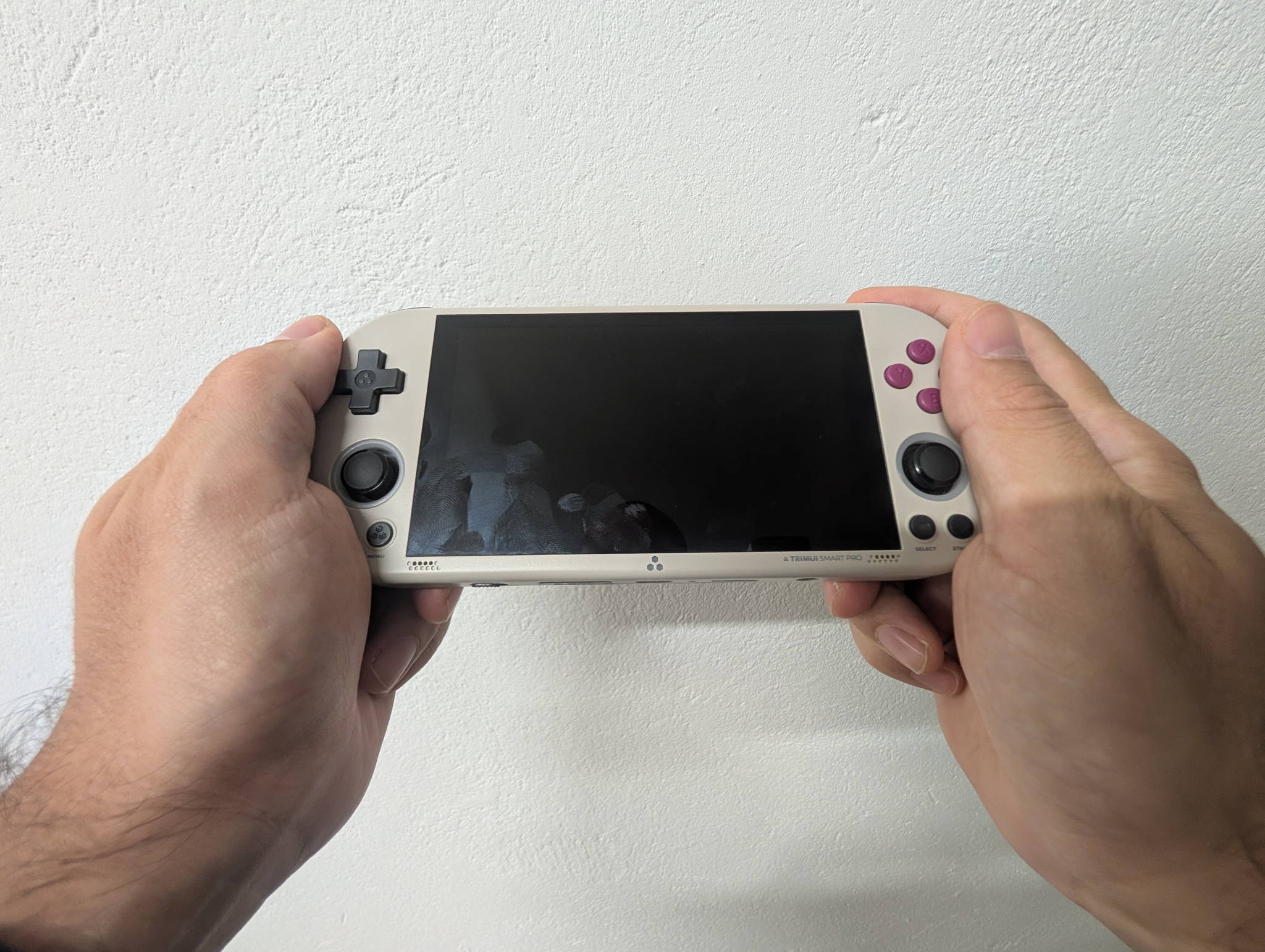
Here’s the good news up front: there is no wrong answer here. The TrimUI Smart Pro and the Brick Pro are both excellent handhelds, both punch far above their price, and both earned high marks when we reviewed them (Smart Pro: 8.6, Brick Pro: 8.8). They share a chip, a software scene and a design philosophy.
What they don’t share is a shape of fun. The Smart Pro is the big-screen one — a wide, light, cinema-in-your-hands device. The Brick Pro is the dense one — a chunky little 4:3 slab with drift-proof sticks and a TV-out trick up its sleeve.
So this isn’t a battle. It’s a personality test.
TrimUI Smart Pro (TG5040)Black, White or Vintage Gray — straight from the TrimUI store.
Check priceTrimUI Brick Pro (TG4070)Black, White or Retro Grey — direct from the TrimUI store.
Check priceThe 30-second answer
| If you… | Get the… |
|---|---|
| Want the biggest, most impressive picture | Smart Pro |
| Play a lot of PSP, or widescreen-friendly content | Smart Pro |
| Want the lightest device for long sessions | Smart Pro |
| Live in NES→PS1, arcade, GBA and DS | Brick Pro |
| Never want to think about stick drift again | Brick Pro |
| Want to plug into the TV at 1080p | Brick Pro |
| Want Bluetooth for wireless pads | Brick Pro |
Still reading? Good — the details are where it gets interesting.
The side-by-side
| TrimUI Smart Pro (TG5040) | TrimUI Brick Pro (TG4070) | |
|---|---|---|
| Screen | 4.96” IPS, 1280 × 720, 16:9 | 3.95” IPS, 1024 × 768, 4:3 |
| Pixel density | ~296 PPI | 324 PPI |
| Lamination | Full OCA | Full lamination, 4-lane MIPI |
| SoC | Allwinner A133P @ 1.8 GHz | Allwinner A133P @ 1.8 GHz |
| GPU | PowerVR GE8300 @ 660 MHz | PowerVR GE8300 @ 660 MHz |
| RAM | 1 GB LPDDR4X | 1 GB LPDDR3 |
| Storage | 8 GB eMMC + microSD | 8 GB eMMC + microSD (to 1 TB) |
| Analog sticks | Dual, potentiometer | Dual JF15 Hall-effect, clickable L3/R3 |
| Video out | — | DP Alt Mode, 1080p60 |
| Bluetooth | — | 4.2 + EDR |
| Wi-Fi | 802.11 b/g/n | 802.11 b/g/n |
| USB-C ports | 2 (charge/OTG + host) | 2 (charge/data + host) |
| Battery | 5,000 mAh | 5,000 mAh |
| Runtime | ~5 hours | ~5–10 hours |
| Charging | 5 V / 1.5 A (7.5 W) | 5 V / 2 A (10 W) |
| Weight | ~162 g | 236 g |
| Dimensions | 187.4 × 79.8 × 17.2 mm | 130 × 86 × 22 mm |
| Colors | Black, White, Vintage Gray | Black, White, Retro Grey |
| Retpad score | 8.6 / 10 | 8.8 / 10 |
Note how much of that table is identical. Same processor, same GPU, same RAM capacity, same battery, same Wi-Fi, same dual-USB-C layout, same lamination, same community. TrimUI built two bodies around one very well-understood platform, and that’s a large part of why both feel so polished.
Screens: big and beautiful vs small and flawless
The Smart Pro’s 4.96-inch 720p panel is the one that makes people gasp in the first ten seconds. It is big, it’s laminated so the image sits right on the glass, and at ~296 PPI the pixel grid is already invisible. 240p content integer-scales to 3× with room left over, GBA hits a clean 4×, and you have enough spare pixels to run a proper CRT shader without turning everything to mush. Neo Geo and Genesis sprites on this thing are a genuine treat.
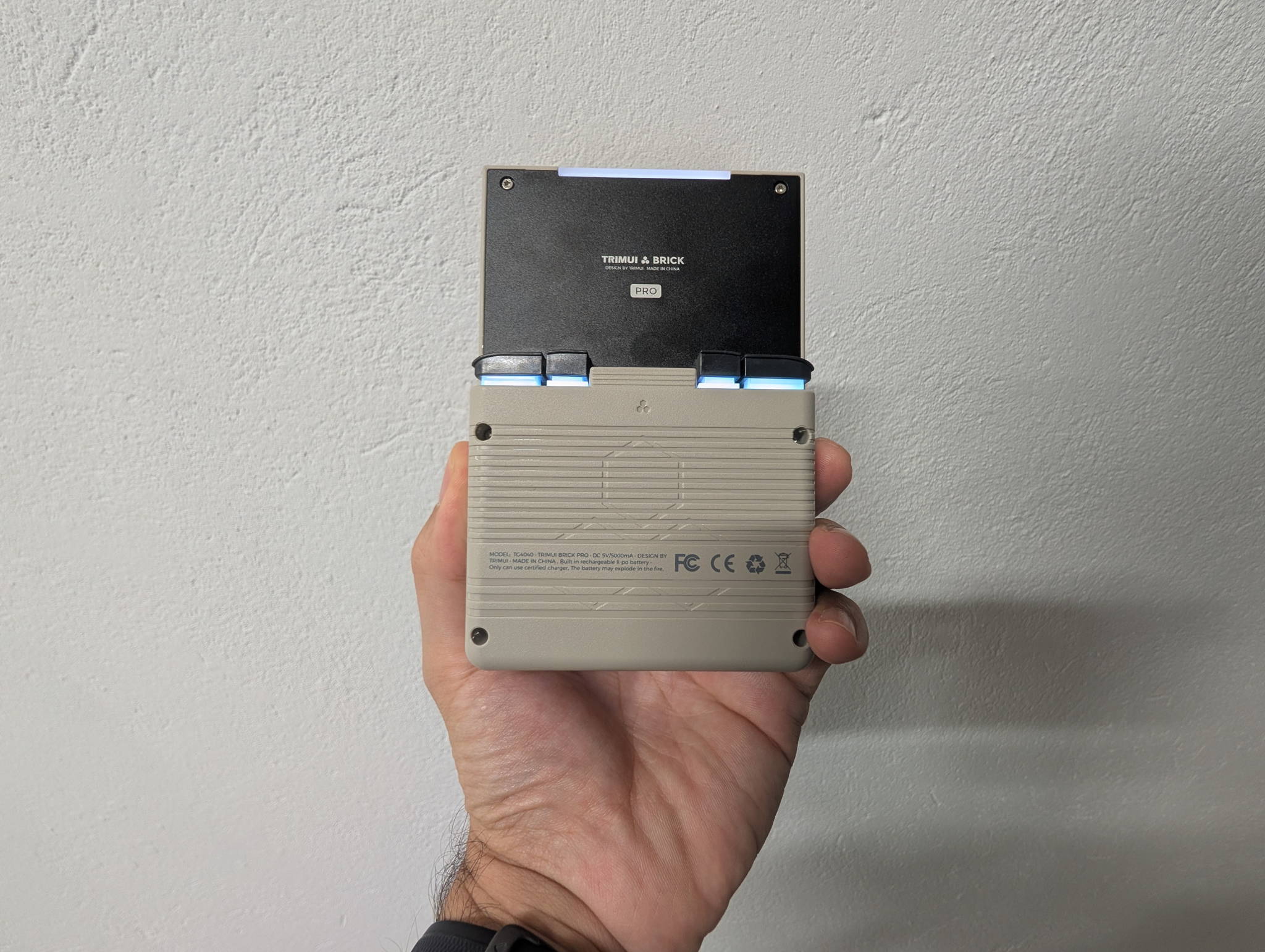
The Brick Pro takes the opposite bet: smaller, but shaped correctly. 1024 × 768 at 4:3 and 324 PPI means almost everything from the retro era fills the glass edge to edge with no pillarboxing and no stretching.
| System | Native | On the Brick Pro’s 1024 × 768 |
|---|---|---|
| NES | 256 × 240 | 3× = 768 × 720 |
| SNES / Genesis | 256 × 224 | 3× = 768 × 672 |
| Game Boy / GBC | 160 × 144 | 5× = 800 × 720 |
| GBA | 240 × 160 | 4× = 960 × 640 |
| PS1 | 320 × 240 | 3× = 960 × 720 |
| Nintendo DS | 256 × 192 ×2 | Stacked layout, perfect fit |
Both are terrific panels. The honest summary: the Smart Pro gives you more screen, the Brick Pro gives you more useful screen. If your library is mostly 4:3, the smaller Brick Pro panel can actually show a larger image than the wider Smart Pro, because none of it is wasted on black bars. If you play PSP, widescreen homebrew, or you just want the biggest possible picture, the Smart Pro flips that right back around.
Controls: two sticks vs two better sticks
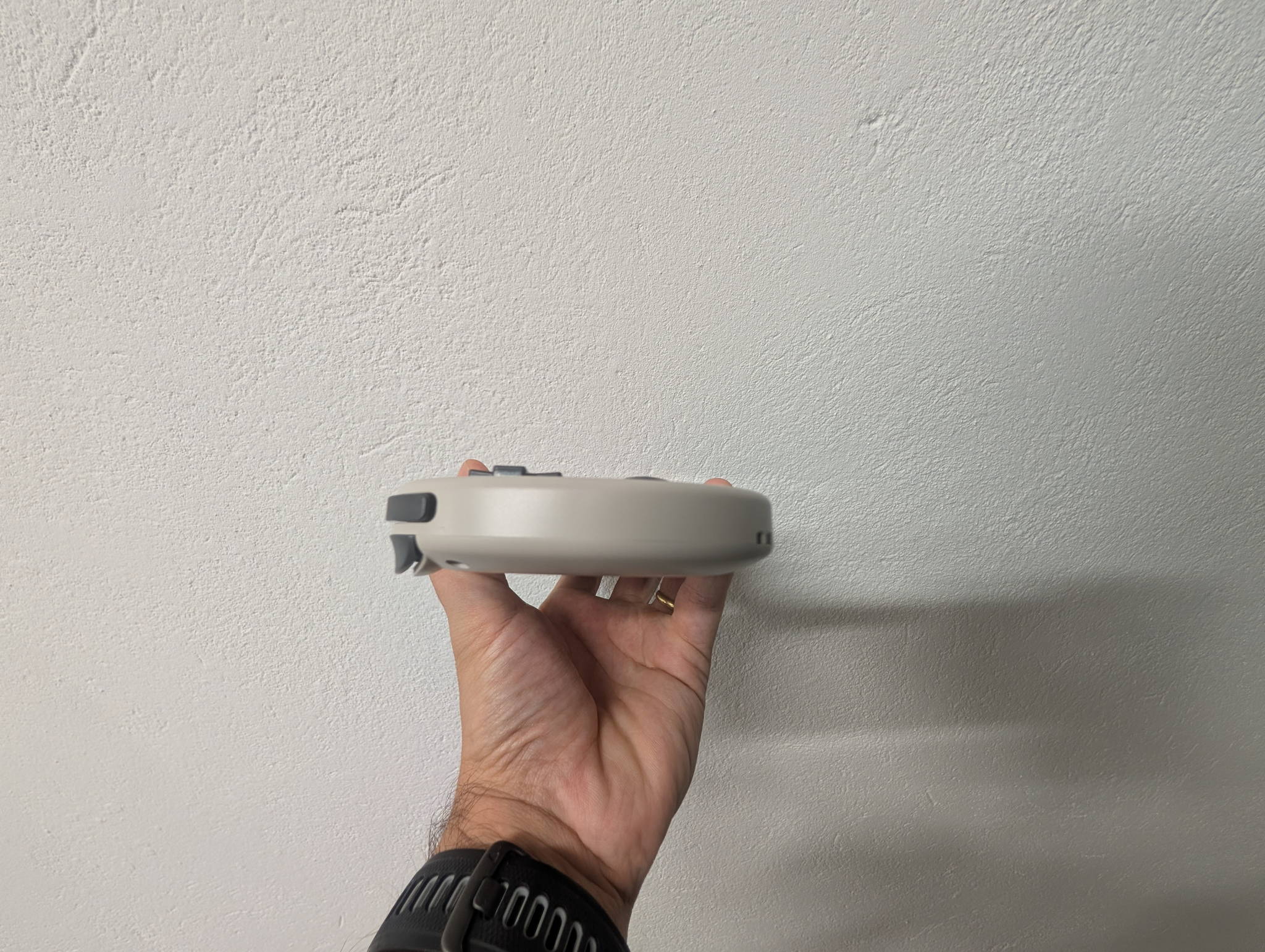
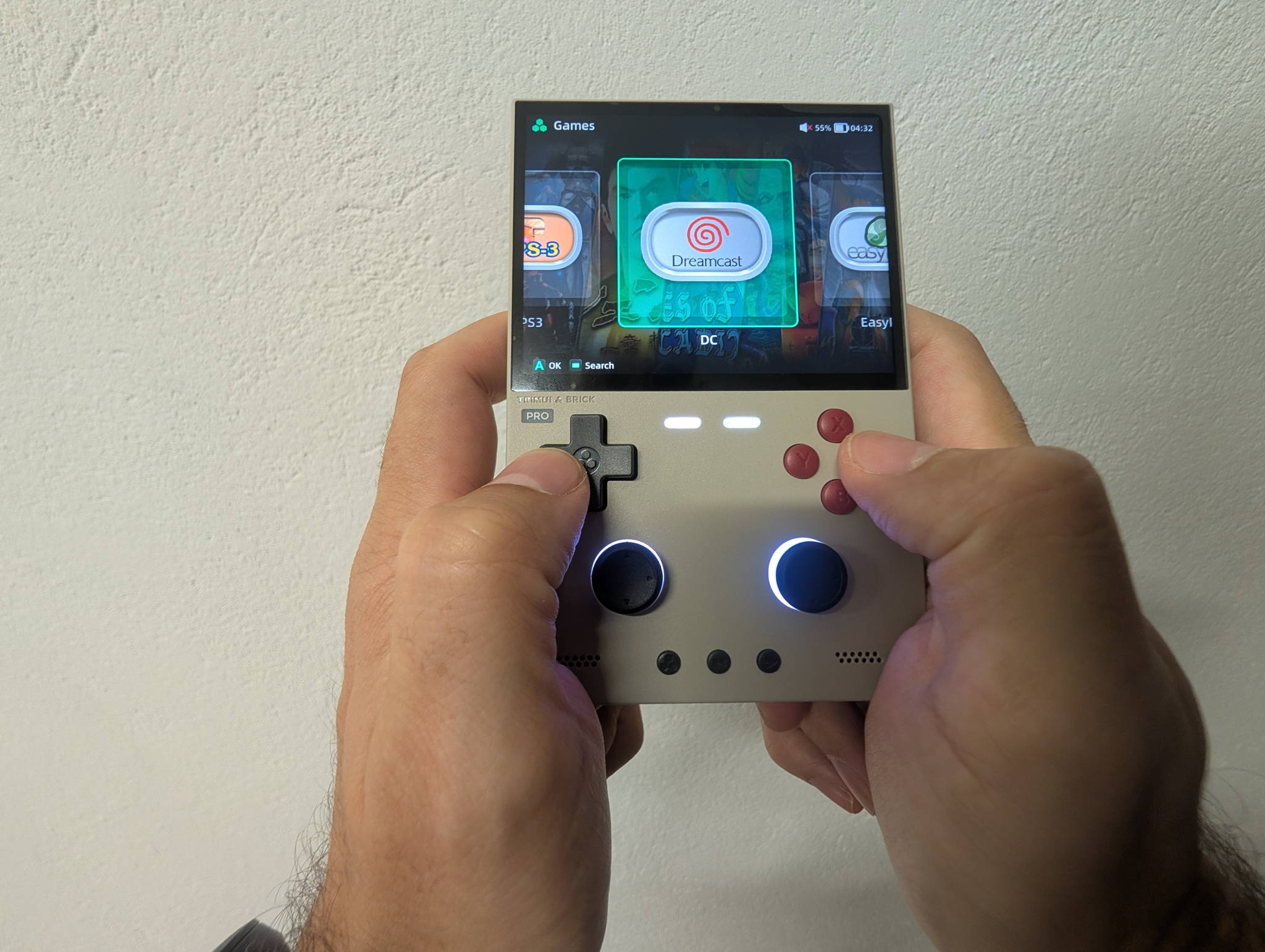
Both devices share TrimUI’s excellent d-pad — tight pivot, confident diagonals — plus short-travel face buttons, L1/R1 + L2/R2, a rumble motor and RGB lighting. Nobody is losing here.
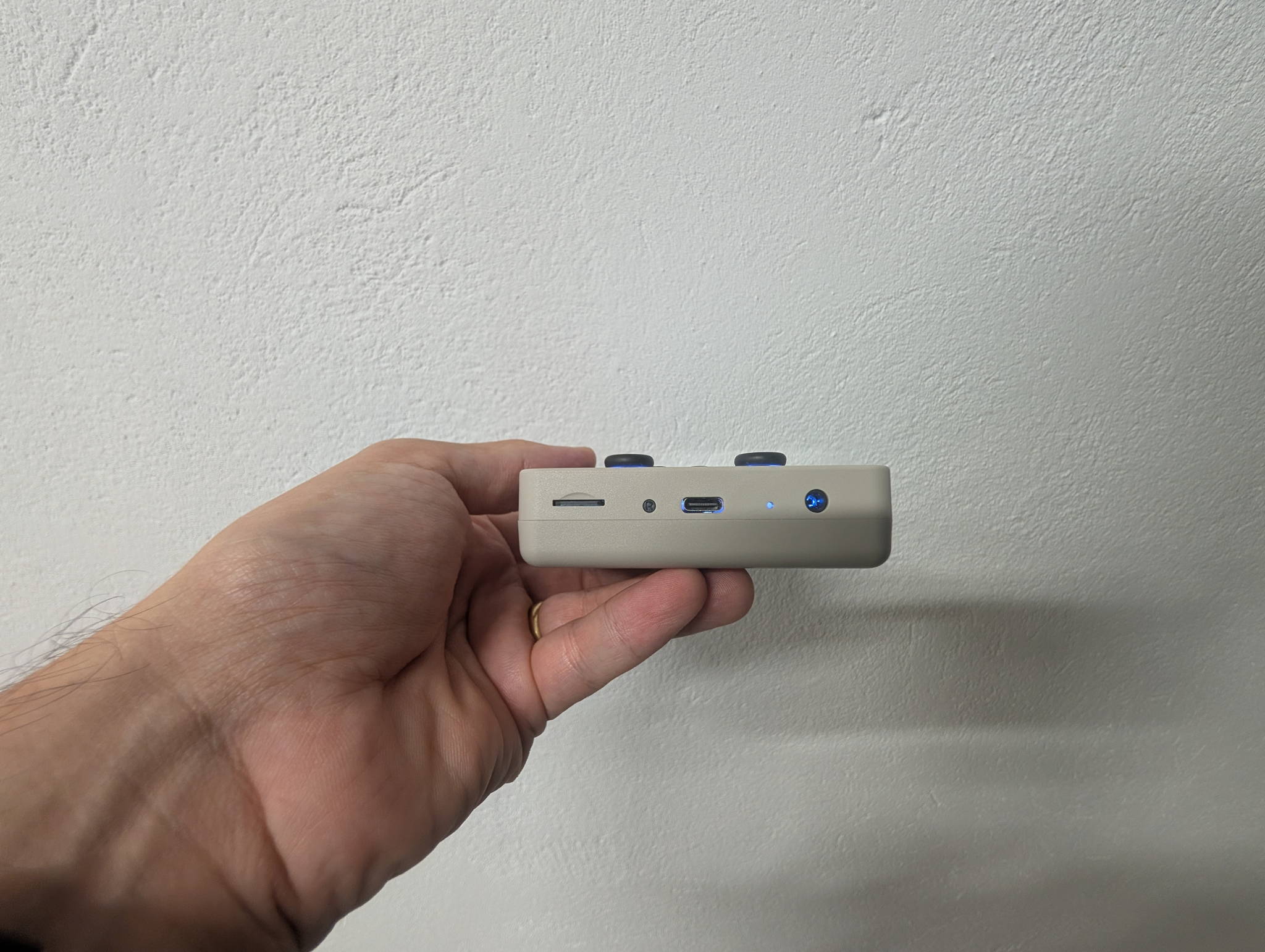
The difference is the sticks. The Smart Pro’s dual sticks are conventional potentiometers — perfectly good, and they’re what unlocks N64 and PSP on the device in the first place. The Brick Pro uses JF15 Hall-effect modules that read position magnetically, with no wiper scraping a track, which means no wear and no drift over the years. It also adds clickable L3/R3, which matters more than you’d expect when mapping N64 and PSP.
The Smart Pro’s sticks also have those RGB rings around them, which is a silly feature that everyone secretly loves. Points for joy.
Verdict: Hall-effect is the more durable engineering, and if you’re buying a keeper, that’s the Brick Pro’s argument. But the Smart Pro’s sticks aren’t a flaw — they’re the same parts most handhelds at this price ship, and they work well.
Connectivity: this is the Brick Pro’s showcase
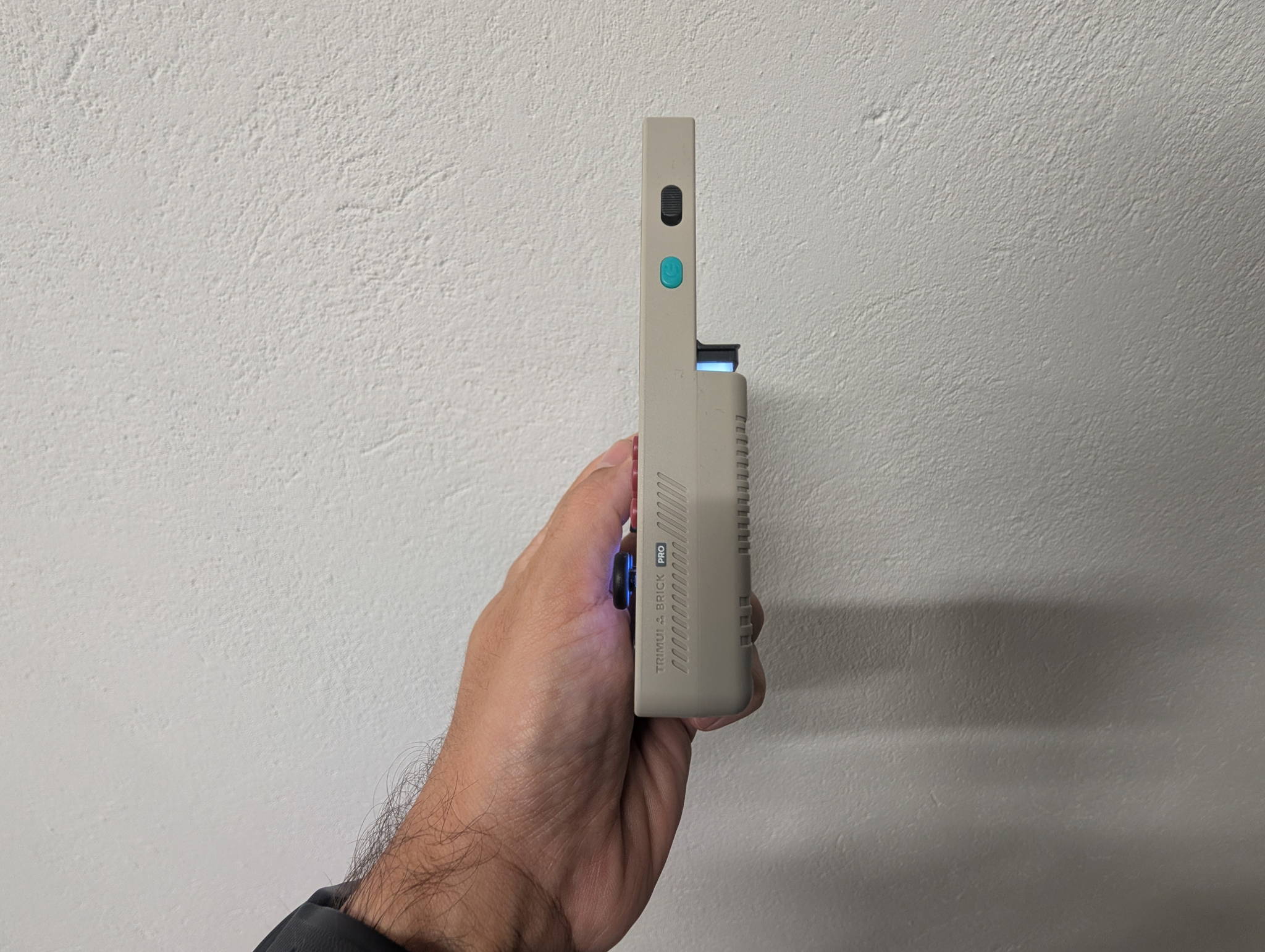
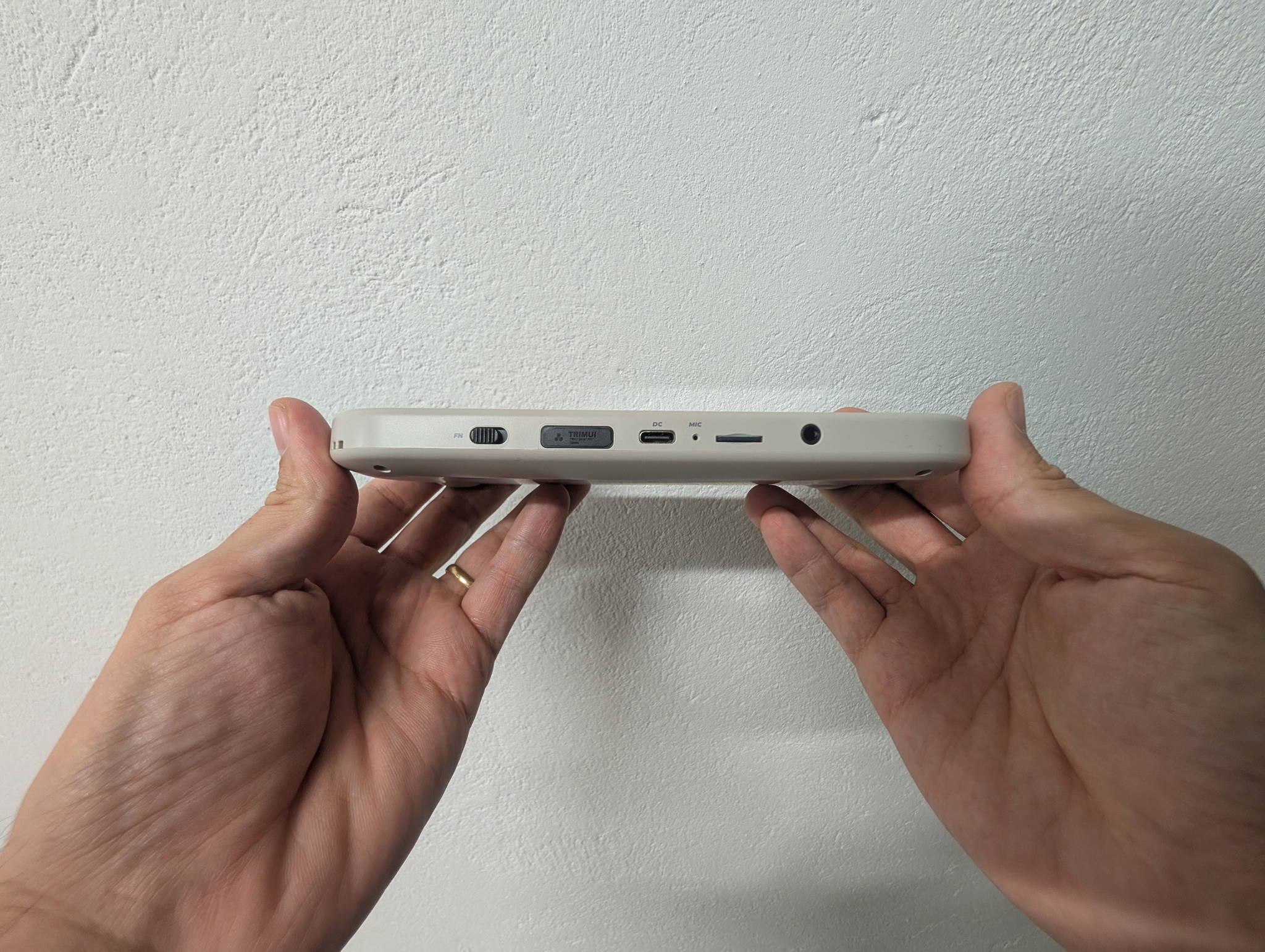
Both have the clever dual USB-C setup — one port for charging and data, a second acting as a USB host so you can plug in a full-size controller and use the handheld as a screen. Both have a 3.5 mm jack, stereo speakers and a mic.
The Brick Pro then adds two things the Smart Pro doesn’t have:
- DP Alt Mode video out at up to 1920 × 1080 @ 60 Hz. A USB-C-to-HDMI adapter turns it into a living-room console.
- Bluetooth 4.2 + EDR, so the controller you pair for that TV session doesn’t need a cable.
Put together, that’s a genuine second life for the device. For the price, TV-out plus wireless pads is a properly generous inclusion.
The Smart Pro’s counter is subtler: its top USB-C host port plus a bigger screen makes it a lovely desk companion. Prop it up, plug in an 8BitDo pad, and it’s a tiny arcade cabinet. Different flavour of the same idea.
Performance: genuinely a tie
Same A133P, same GE8300, same 1 GB of RAM. The only spec difference is memory type — LPDDR4X on the Smart Pro, LPDDR3 on the Brick Pro — and in practice you will not feel it in 2D, which is most of what either device is for.
| System | Smart Pro | Brick Pro |
|---|---|---|
| NES / SNES / Genesis / TG-16 | Flawless | Flawless |
| GB / GBC / GBA | Flawless | Flawless |
| Neo Geo / CPS1-2-3 | Flawless | Flawless |
| PS1 | Excellent | Excellent |
| Nintendo DS | Very good | Very good |
| N64 | Good, title-dependent | Good, title-dependent |
| PSP | Good, title-dependent | Good, title-dependent |
| Dreamcast | Playable, mixed | Playable, mixed |
| Saturn | Rough | Rough |
| PS2 / GameCube | No | No |
If performance were the deciding factor, you’d flip a coin. The tiebreakers are presentational: PSP’s native 480 × 272 is a widescreen-ish format that suits the Smart Pro’s panel, while every 4:3 system looks its best on the Brick Pro.
Battery, size and comfort
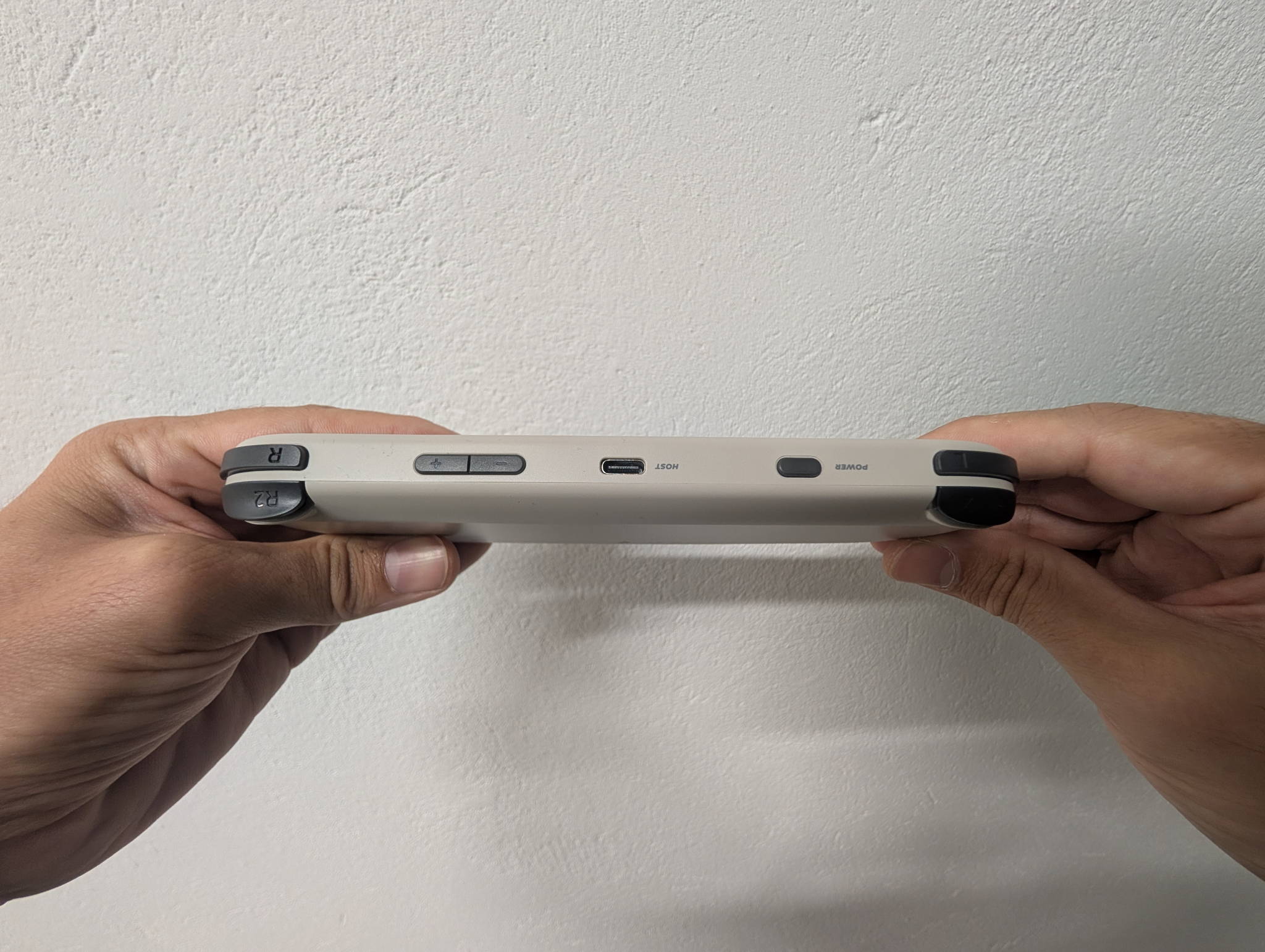
Both carry a 5,000 mAh cell, but they’re feeding very different panels. The Smart Pro’s 5-inch 720p screen is hungrier, landing around five hours. The Brick Pro’s smaller 3.95-inch panel stretches the same cell toward ten hours on light 2D work, settling around five when you push N64 or PSP at full brightness. The Brick Pro also charges a bit quicker — 10 W versus 7.5 W.
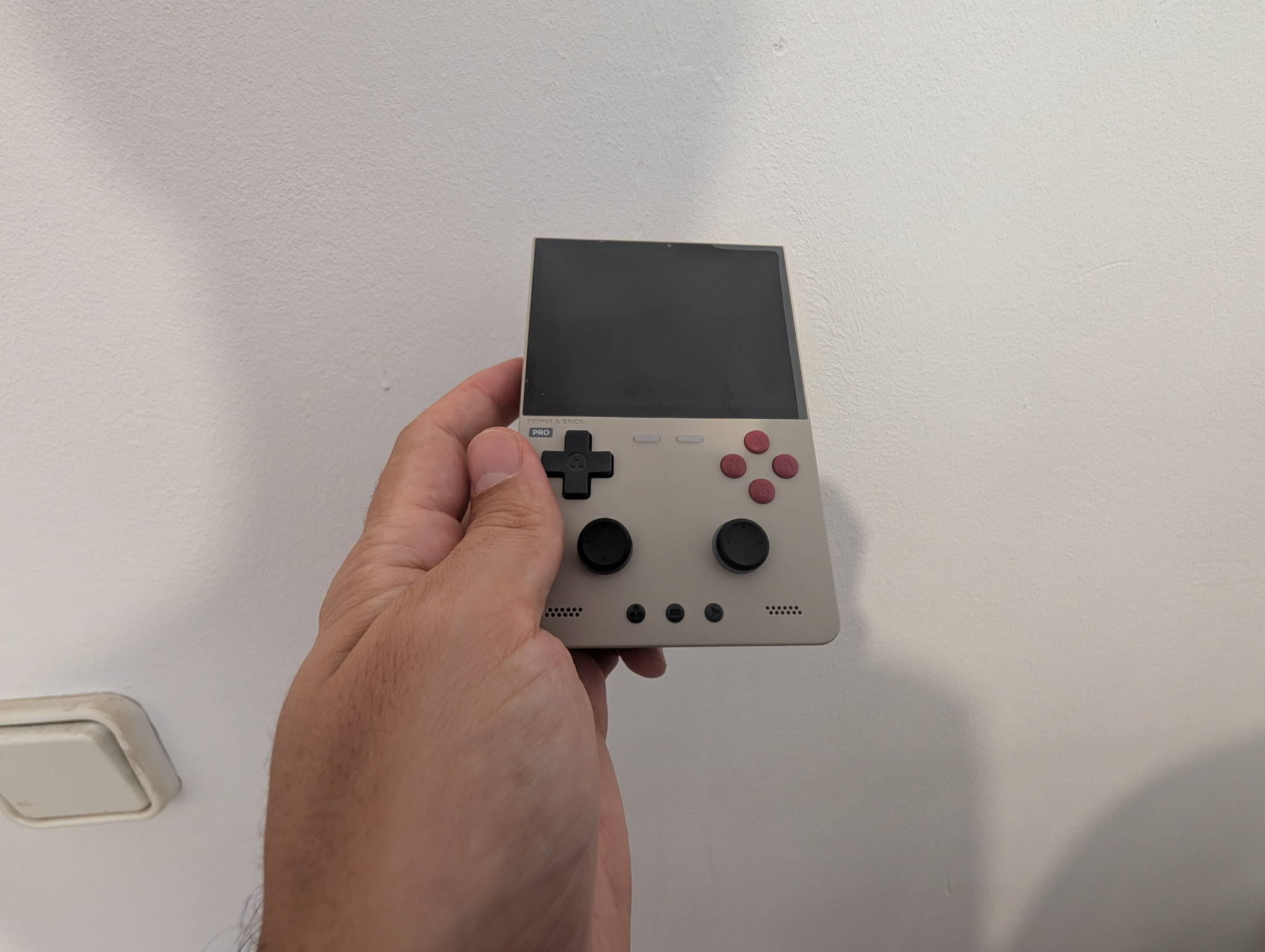
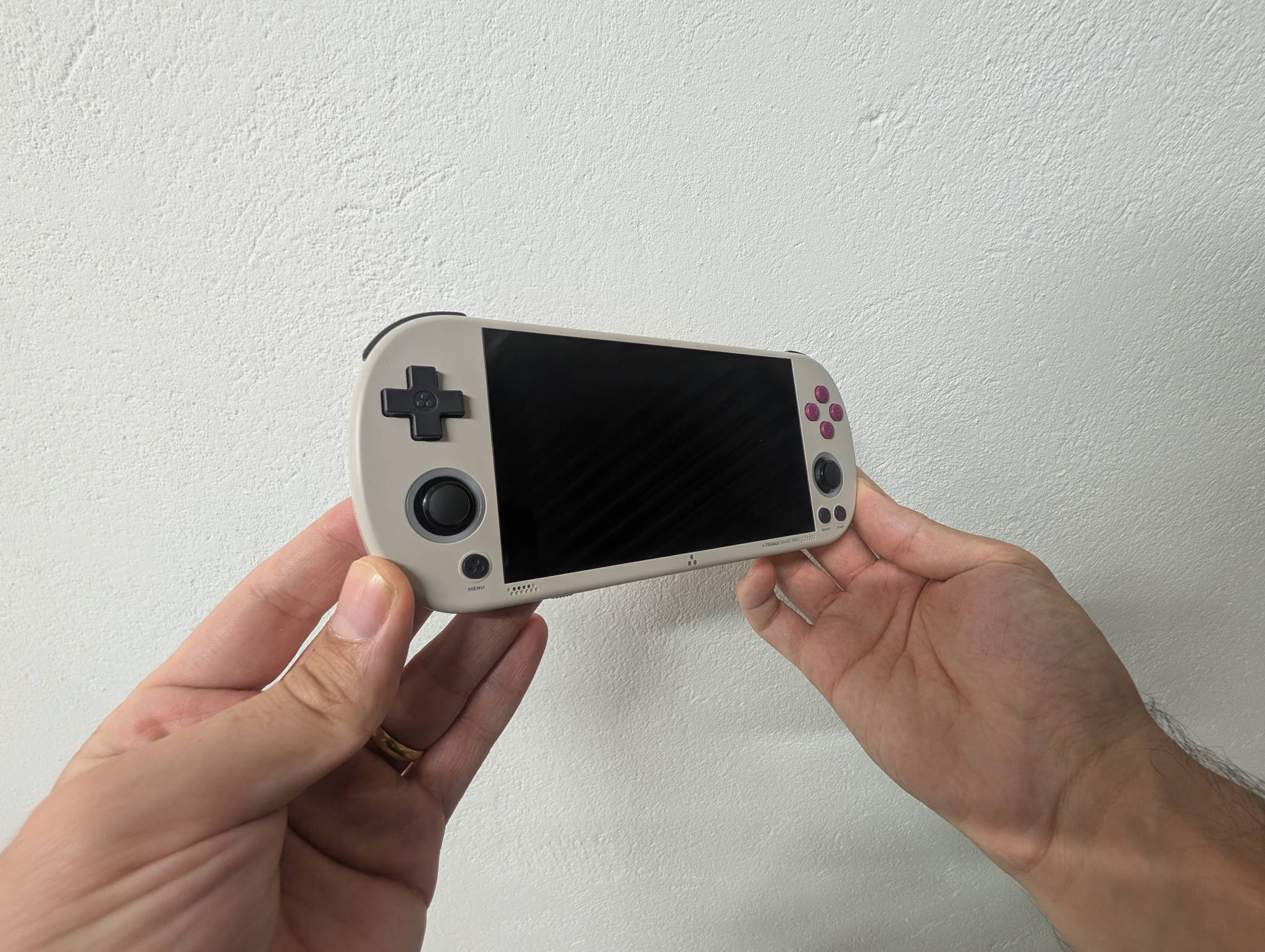
Ergonomically they’re opposites in the nicest way. The Smart Pro is wide and thin — 187 mm across, 17 mm thick, ~162 g — closer to a PS Vita in the hand, and its lightness is a real advantage in hour three. The Brick Pro is short and chunky — 130 mm across, 22 mm thick, 236 g — dense and reassuring, with enough depth that your fingers wrap around it naturally without needing grips.
Neither is a jeans-pocket device. Both are happy in a jacket pocket or a bag, with the Brick Pro winning on footprint and the Smart Pro on weight.
Software: identical, and that’s a feature
Both run TrimUI’s own Linux build, both boot fast, both sleep and resume properly, and both sit on the same well-supported A133P platform. That means the same active custom-firmware scene — CrossMix OS being the usual recommendation — and the same steady drip of community improvements rather than a ship-and-forget release.
The advice is the same for either device: leave the 8 GB eMMC to the system, put your library on a name-brand A2 microSD, and buy the console itself from the official store (Smart Pro here, Brick Pro here) so you’re getting current hardware revisions.
The Brick Pro does ship with twelve interface languages out of the box, which is a nice touch if English isn’t your first choice.
Where each one wins
The Smart Pro is the one to buy if…
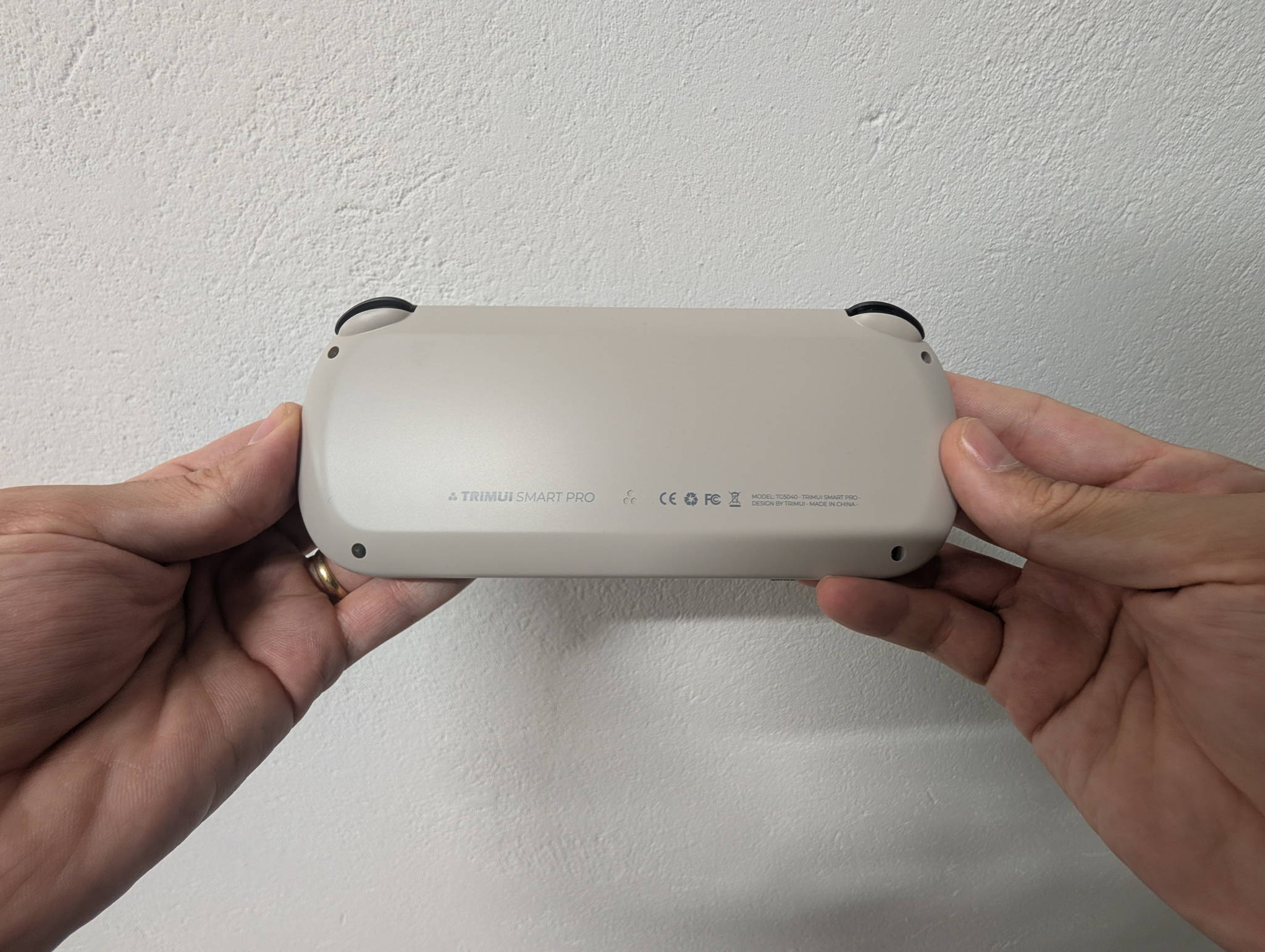
- You want the most impressive screen-per-dollar in retro handhelds, full stop.
- PSP is a meaningful part of your library.
- You want the lightest device — 162 g is nothing over a long session.
- You like reading text and menus on a big, generous panel.
- The RGB-ringed sticks make you smile. (No judgement. They’re great.)
The Brick Pro is the one to buy if…
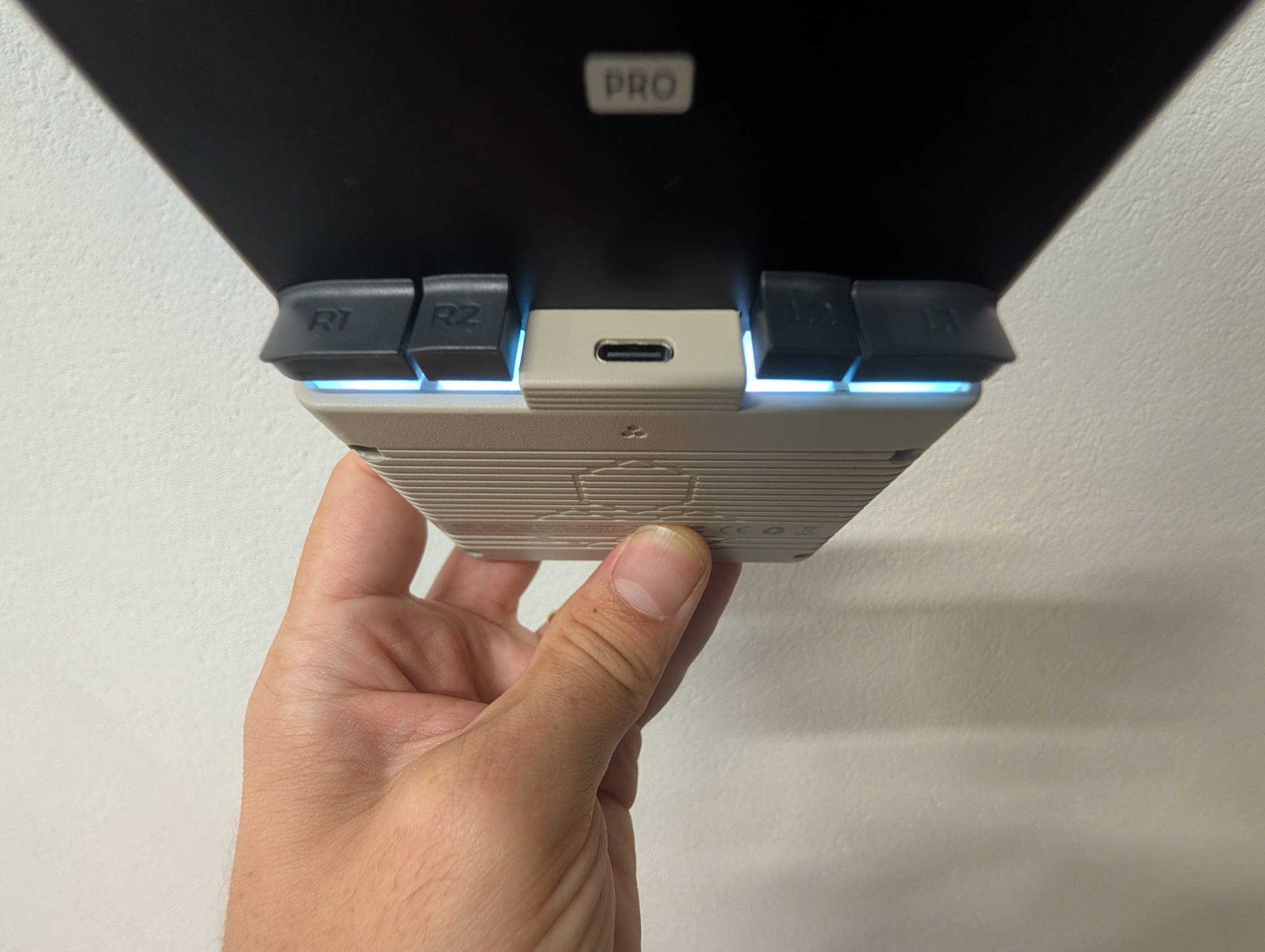
- Your library lives in NES through PS1, arcade, GBA and DS.
- You want Hall-effect sticks and a device that ages without drifting.
- Plugging into a TV at 1080p sounds genuinely useful.
- You want Bluetooth for wireless controllers.
- Longer battery and slightly faster charging matter to you.
- You prefer dense and pocketable over wide and thin.
Verdict
Two excellent handhelds built on the same great platform. The Smart Pro is the showpiece; the Brick Pro is the specialist. Pick the one that matches your library’s shape.
If we had to hand one to a stranger with no other information, it’d be the Brick Pro — the 4:3 panel, Hall sticks and video output make it the more complete package for what most people actually play, which is why it edges ahead on our scores.
But “more complete” isn’t the same as “better for you.” If you’re a PSP person, or you simply want the biggest and most striking screen you can get at this price, the Smart Pro is a joy and nobody is going to talk you out of it — nor should they.
Honestly? The best outcome here is that TrimUI made two devices this good at this price at all. Whichever you pick, put a decent card in it, turn the RGB down a notch, and go rebuild your childhood.
Team big screen?The Smart Pro (TG5040), sold direct with all three colorways in one place.
Buy the Smart ProTeam 4:3?The Brick Pro (TG4070), sold direct with all three colorways in one place.
Buy the Brick ProRetpad may earn a commission on purchases made through the links in this comparison. It never changes what we score a device.